Incognito Browser1.2.0
Continue to app
Free Version
Publisher Description
– safe and private browsing
Incognito Browser
gives you a safe and private browsing experience. Smoothly and comfortably browsing without interruption by ads with a built-in ad-blocker that block annoying ads, pop-ups, banners, some specific Javascript, as well as prevent advertisers from tracking your behavior. When using our
Incognito Browser
, you will completely browse with incognito mode without opening any incognito tabs. Your entire browsing history, cookies, sessions and other user data will be erased as soon as you exit this browser.
Features of
Incognito Browser
:
✅ Private and anonymous browsing (defaut)
You can browse privately, safely and comfortably without opening a separate incognito tab because the incognito mode is set by defaut.
✅ No data is saved
All user data and browsing history won't be saved in
Incognito Browser
.
✅ Lock your browser with a pin
Set a pin lock to ensure your all secrets will be kept safe.
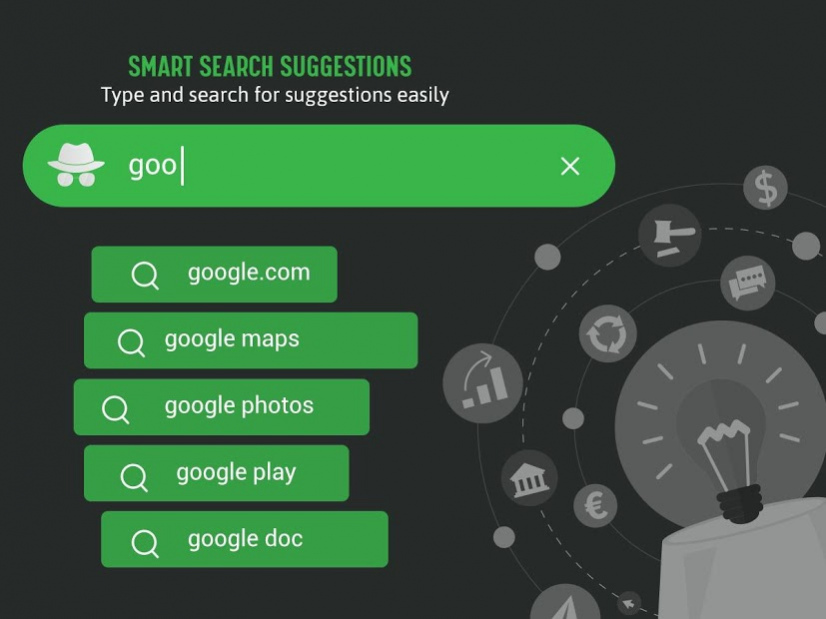
✅ Search engines:
Incognito Browser
supports searching via all common search engines such as Google, Bing, Yahoo, etc.
✅ Browse fast:
Save time and browse smoothly
✅ Ad-blocker:
No ads, no junks, no pop-ups and no banners bother your browsing experienece
✅ Secure browsing:
Incognito Browser
will warn you in case of malware, virus, adware, phishing and block tracking to ensure no websites or advertisers can track your online activities.
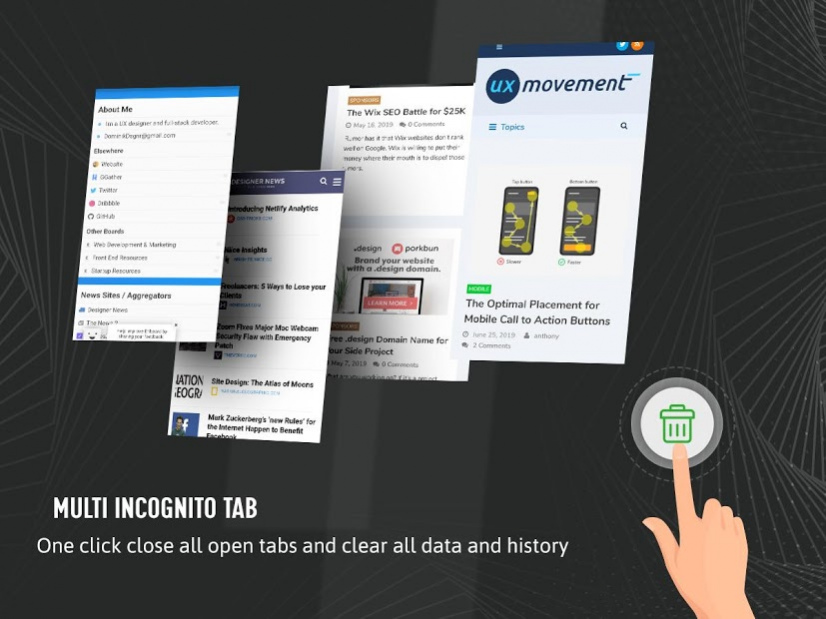
✅ Multi-tab control:
You can open and browse multiple tabs at once with
Incognito Browser
.
Install
Incognito Browser
and start browsing incognito now!
About Incognito Browser
Incognito Browser is a free app for Android published in the Themes & Wallpaper list of apps, part of Desktop.
The company that develops Incognito Browser is iLon Official. The latest version released by its developer is 1.2.0.
To install Incognito Browser on your Android device, just click the green Continue To App button above to start the installation process. The app is listed on our website since 2021-02-06 and was downloaded 50 times. We have already checked if the download link is safe, however for your own protection we recommend that you scan the downloaded app with your antivirus. Your antivirus may detect the Incognito Browser as malware as malware if the download link to com.browser.incognito is broken.
The company that develops Incognito Browser is iLon Official. The latest version released by its developer is 1.2.0.
To install Incognito Browser on your Android device, just click the green Continue To App button above to start the installation process. The app is listed on our website since 2021-02-06 and was downloaded 50 times. We have already checked if the download link is safe, however for your own protection we recommend that you scan the downloaded app with your antivirus. Your antivirus may detect the Incognito Browser as malware as malware if the download link to com.browser.incognito is broken.
How to install Incognito Browser on your Android device:
- Click on the Continue To App button on our website. This will redirect you to Google Play.
- Once the Incognito Browser is shown in the Google Play listing of your Android device, you can start its download and installation. Tap on the Install button located below the search bar and to the right of the app icon.
- A pop-up window with the permissions required by Incognito Browser will be shown. Click on Accept to continue the process.
- Incognito Browser will be downloaded onto your device, displaying a progress. Once the download completes, the installation will start and you'll get a notification after the installation is finished.
Program Details
System requirements
Operating systems
Android
Download information
File size
15.7 MB
Total downloads
50
Pricing
License model
Free
Price
Version History
Here you can find the changelog of Incognito Browser since it was posted on our website on 2019-10-25. The latest version is 1.2.0 and it was updated on Soft112 on 07 October, 2026. See below the changes in each version:
version 1.2.0
posted on 2021-02-06
+ Faster Browser
+ Performance improvement
+ Bug fixes
version 1.1.0
posted on 2020-02-04
version 1.0.1
posted on 2019-08-02
First version so many bug and we will fixed some crash and bugs
